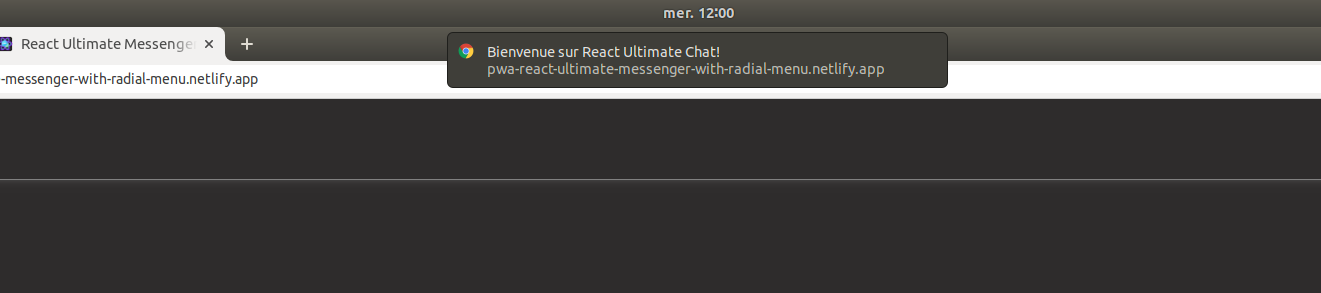
Custom Push Notification usage!
Quick Links#
The reusable custom WebPush#
content#
// I check if it's Android or IOS device or browser with react-device-detect npm packageimport { isAndroid, isIOS, isBrowser } from "react-device-detect";
const useWebPush = () => {  // WEB PUSH SECTION  // THIS IS CUSTOM REUSABLE WEBPUSH  const customWebPush = ({ NotificationMessage }) => {    // THIS WEBPUSH APPEAR ONLY IF IS BROWSER OR ANDROID PHONES    if (isBrowser || isAndroid) {      Notification.requestPermission((result) => {        if (result === "granted") {          showNotification(`${NotificationMessage}`);        }      });
      function showNotification(title, message) {        if ("Notification" in window) {          navigator.serviceWorker.ready.then((registration) => {            registration.showNotification(title, {              body: message,              tag: "vibration-sample",            });          });        }      }    }    // FOR IPHONE - IMPLEMENT WHAT YOU WANT    if (isIOS) {      // alert("This is an Iphone")    }  };
  return {    customWebPush,  };};
export default useWebPush;
How to use this custom hook?#
Simple Usercase
import useWebPush from "hooks/useWebPush";
const UseCaseExample = () => {  // Call the custom hook here  const { customWebPush } = useWebPush();
  useEffect(() => {    // THIS FIRST WEBPUSH IS WELCOME MESSAGE      customWebPush({        NotificationMessage: "write the message you want here",      });
  }, []);
  return (    ...  )}export default UseCaseExample;
Result#