PWA version Installation
You can make a donation to support the project at the prices/version page.
This App use Recoil state manager, if you dont know what is this or how it's work, see the Recoil Section before!
Quick Links#
Online Demo sites#
*you can only send/receive messages if you have the server locally on your machine - I explain how to test the online version with your local version further in the documentation...
Let's discover PWA React Ultimate Messenger in less than 5 minutes.
PWA RUM with radial menu...#
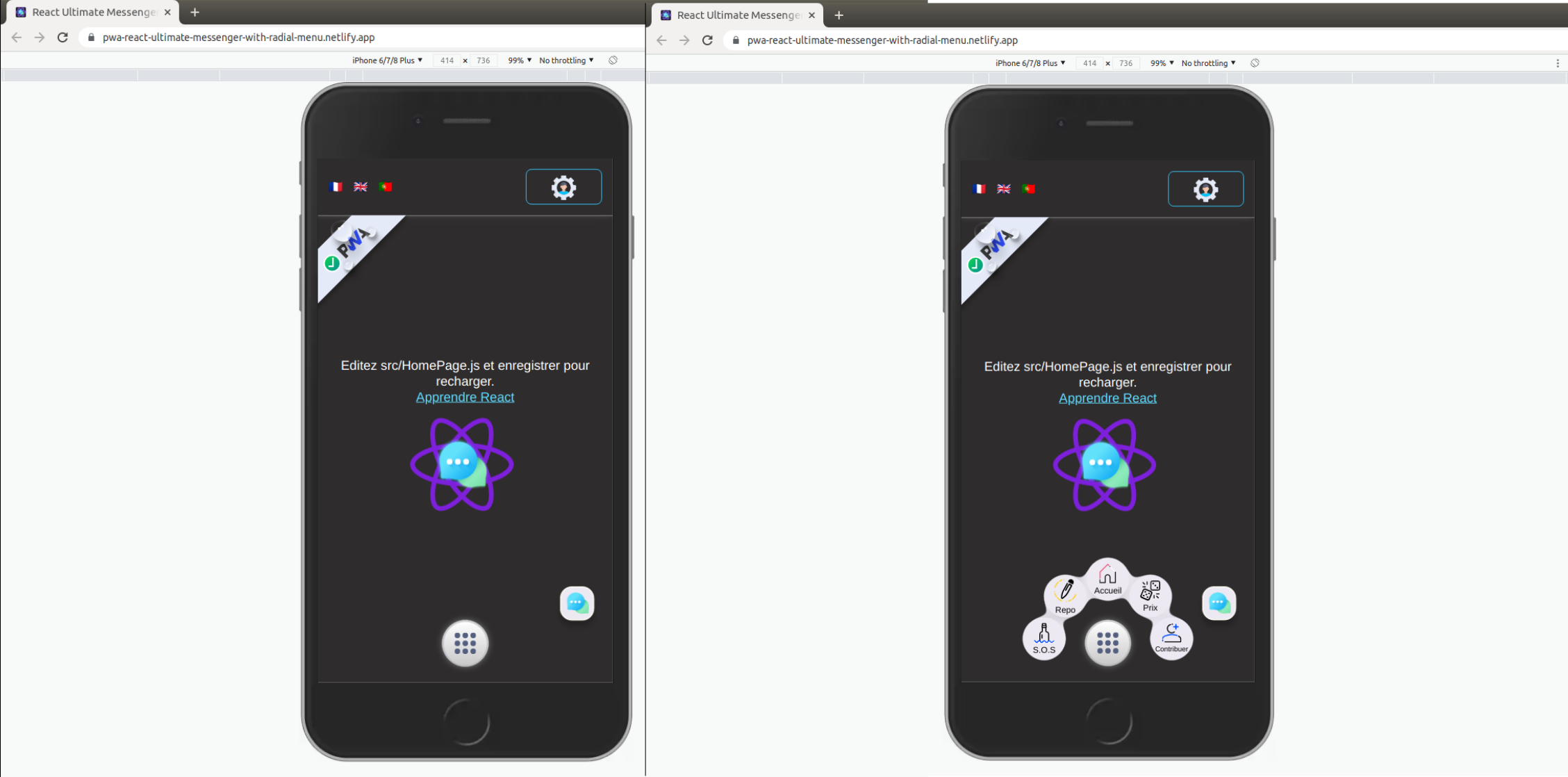
With radial menu live Demo#
You can try PWA React Ultimate Messenger with radial menu here ,
(The demo is not fully functional without the server started locally*)
PWA RUM with bottom menu!#
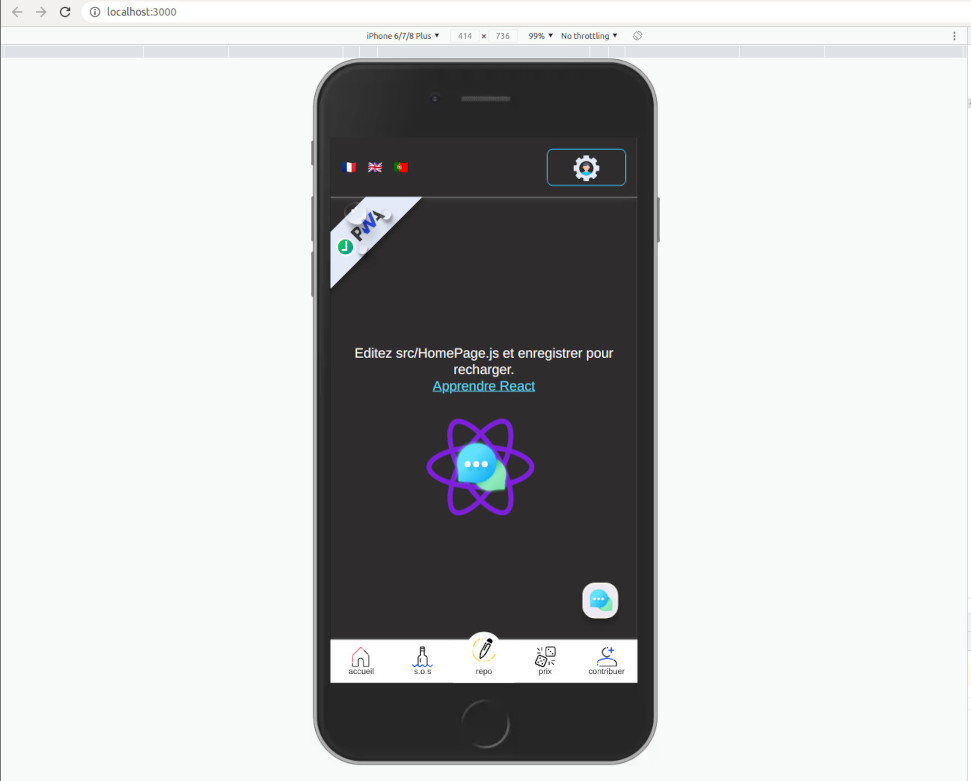
With bottom menu live Demo#
You can try also PWA React Ultimate Messenger with bottom menu here .
(The demo is not fully functional without locally started servers*)
Getting Started#
Get started by creating a new React App.
The auto-installation script, simple & fast.#
You can use my install script, this is a more fast & easy way to doing that!
Download autoInstall script here
Here is the step-by-step procedure#
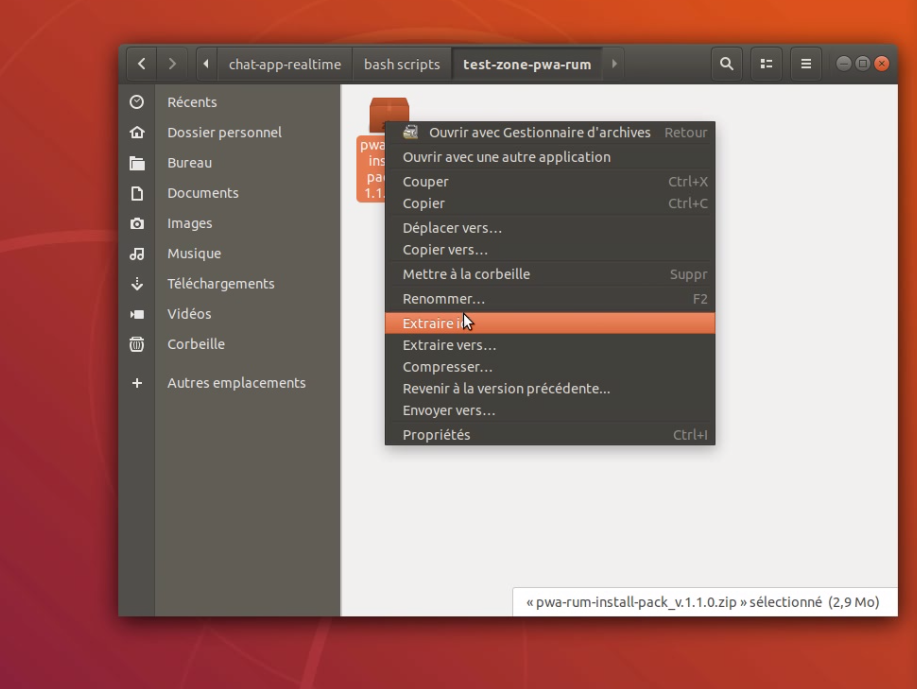
First of all, you have to unpack the archive,
then go to the pwa-rum-install-pack folder.
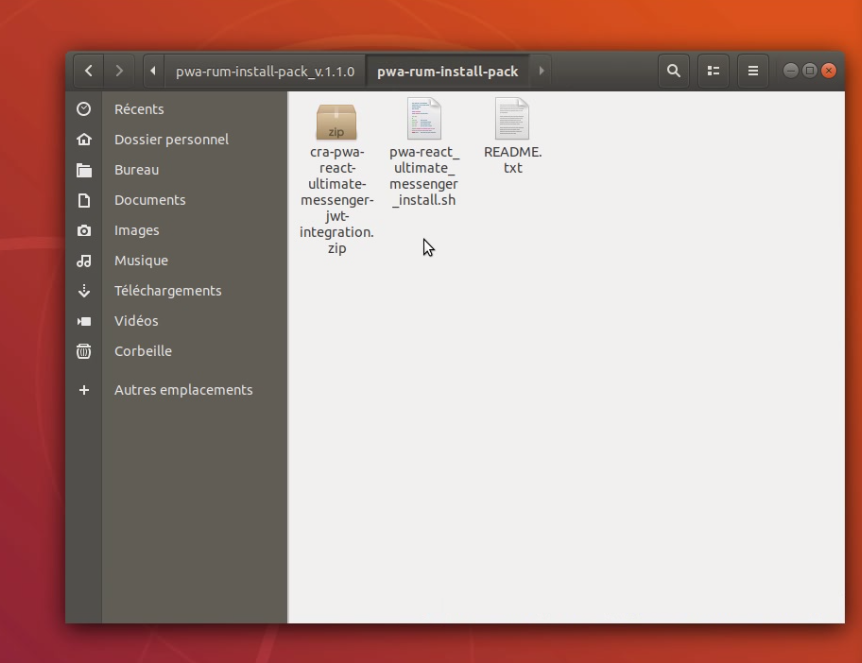
Open your terminal from this window,
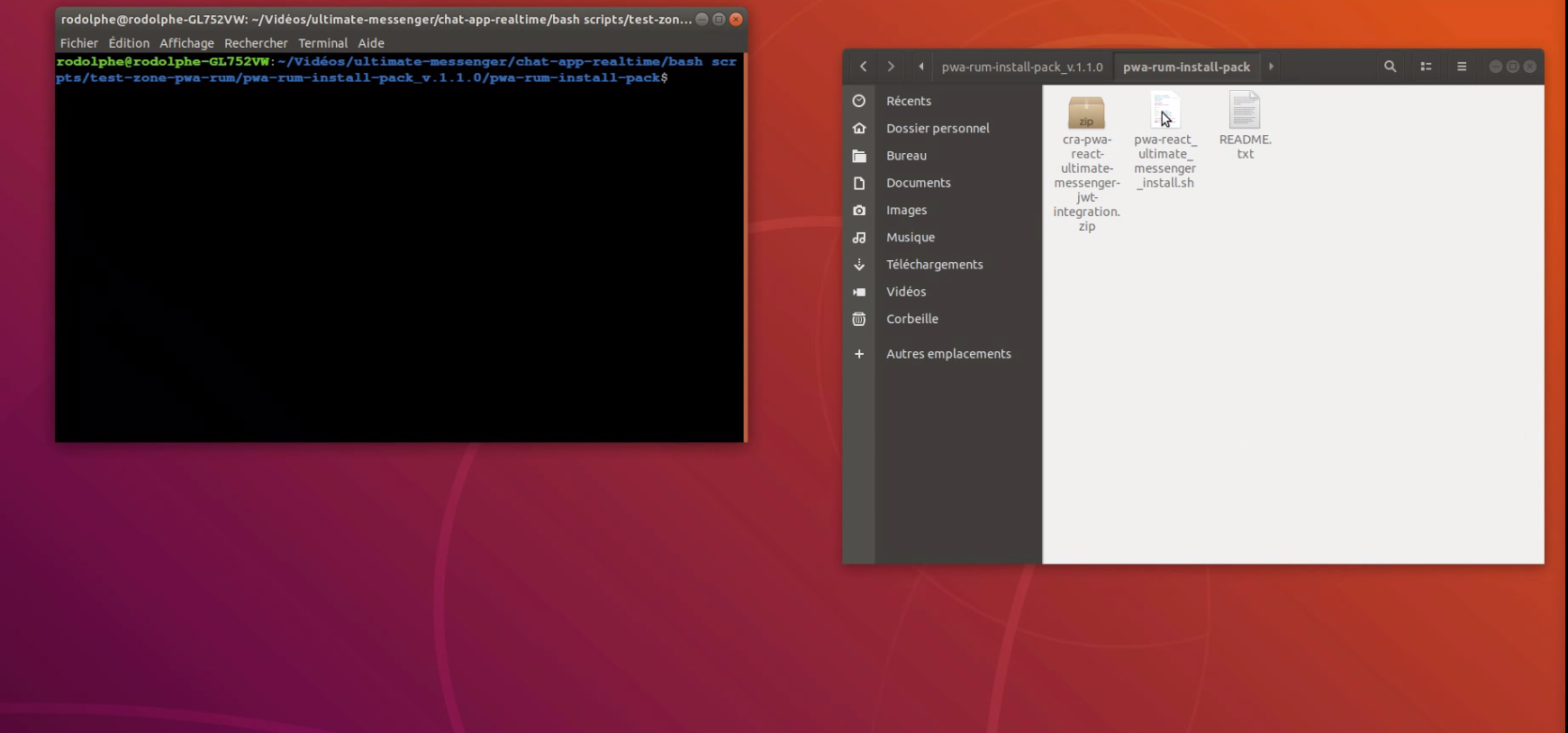
drag the .sh file into the console and click in the console to make it active, then press enter.
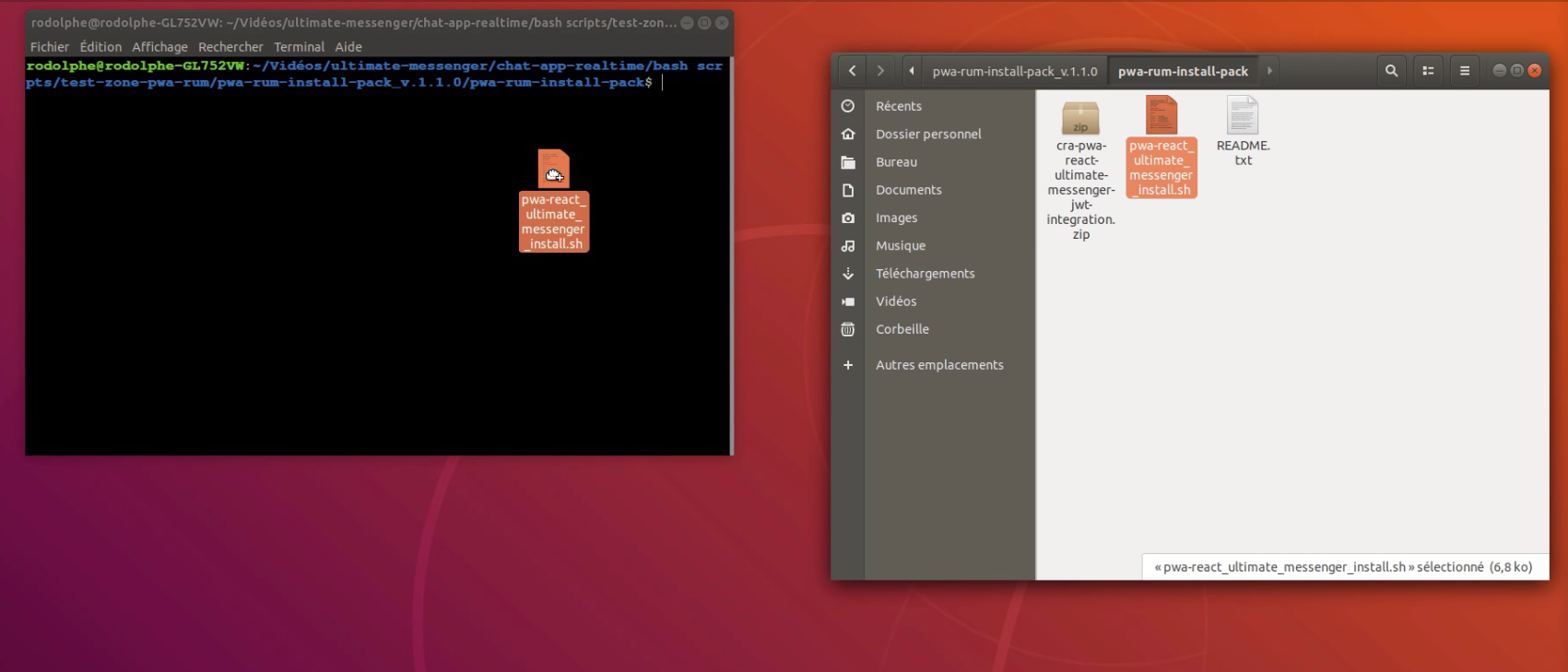
The installation script starts...
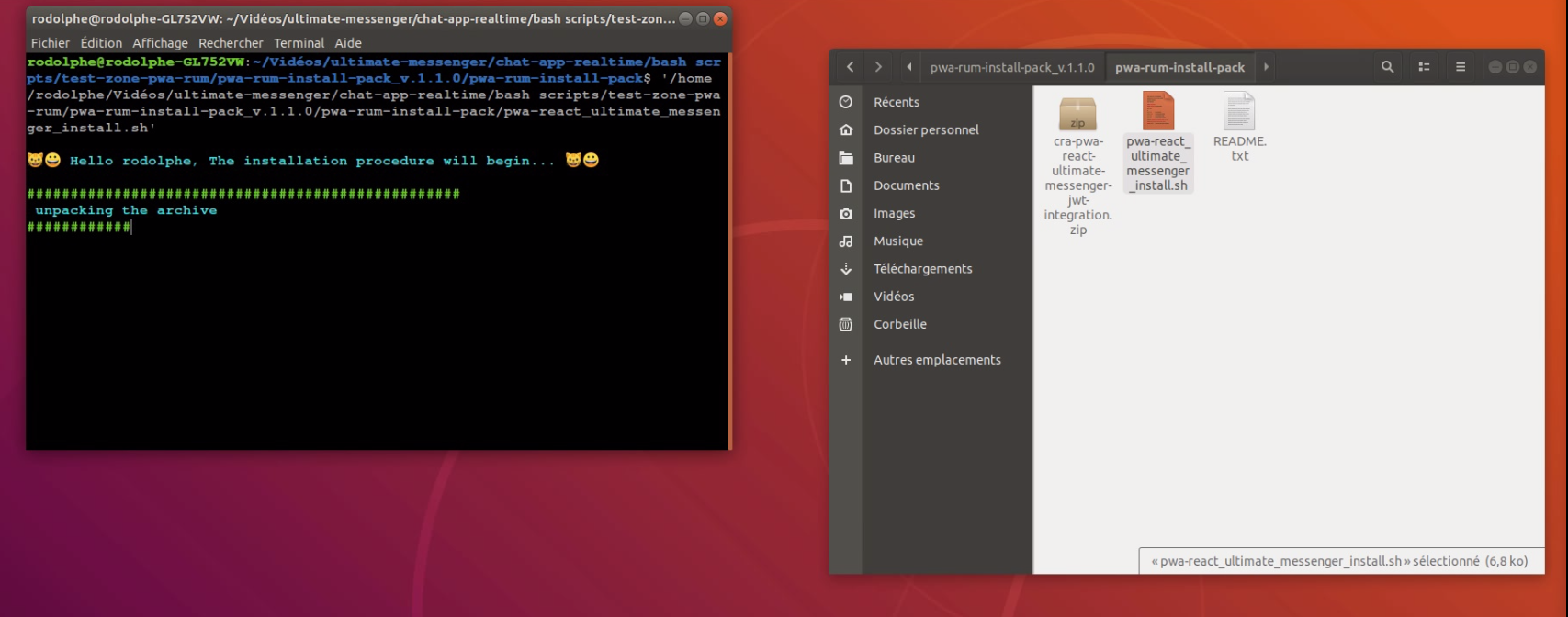
What does the script do?#
It starts by unpacking the archive in the same folder, then you have to enter the name you want for your application.
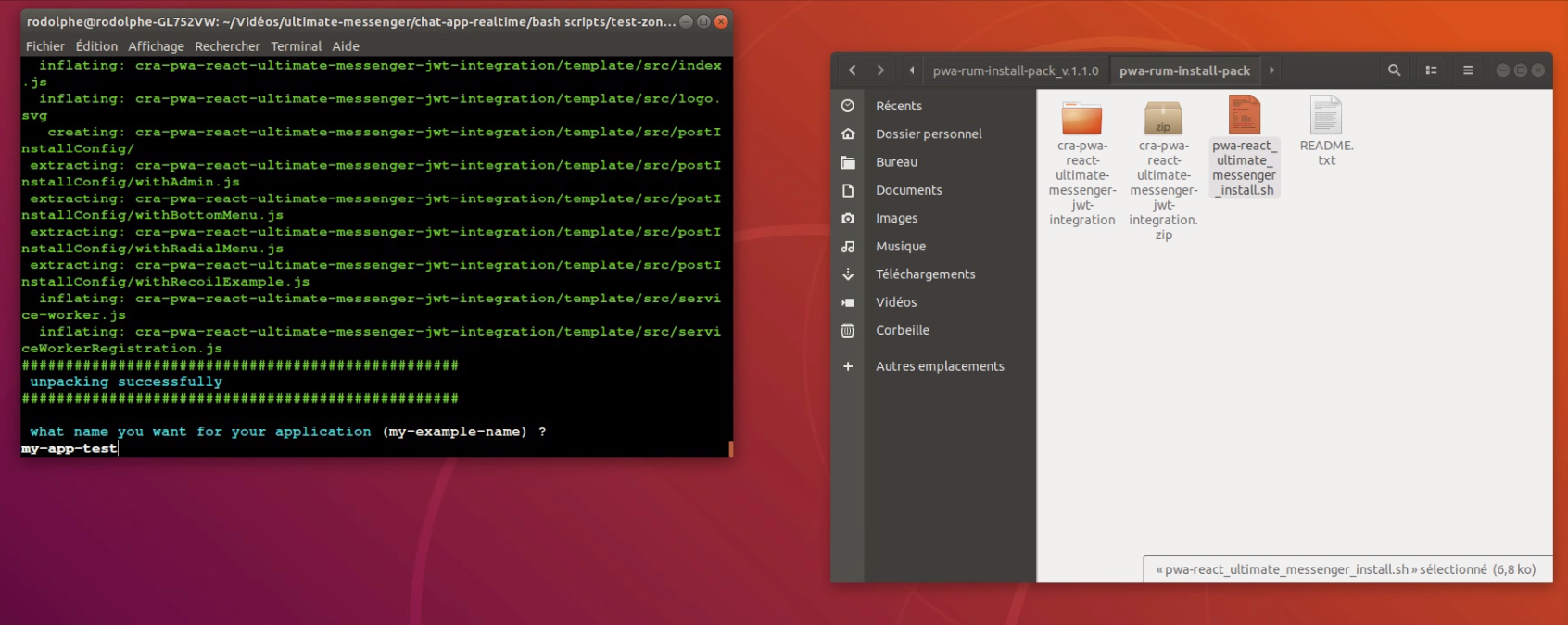
Once this is done, the script runs a npx create-react-app with the template option, the target of the template is the folder unzipped just before (it contains all the folders and files needed for the installation of the template when creating your app).
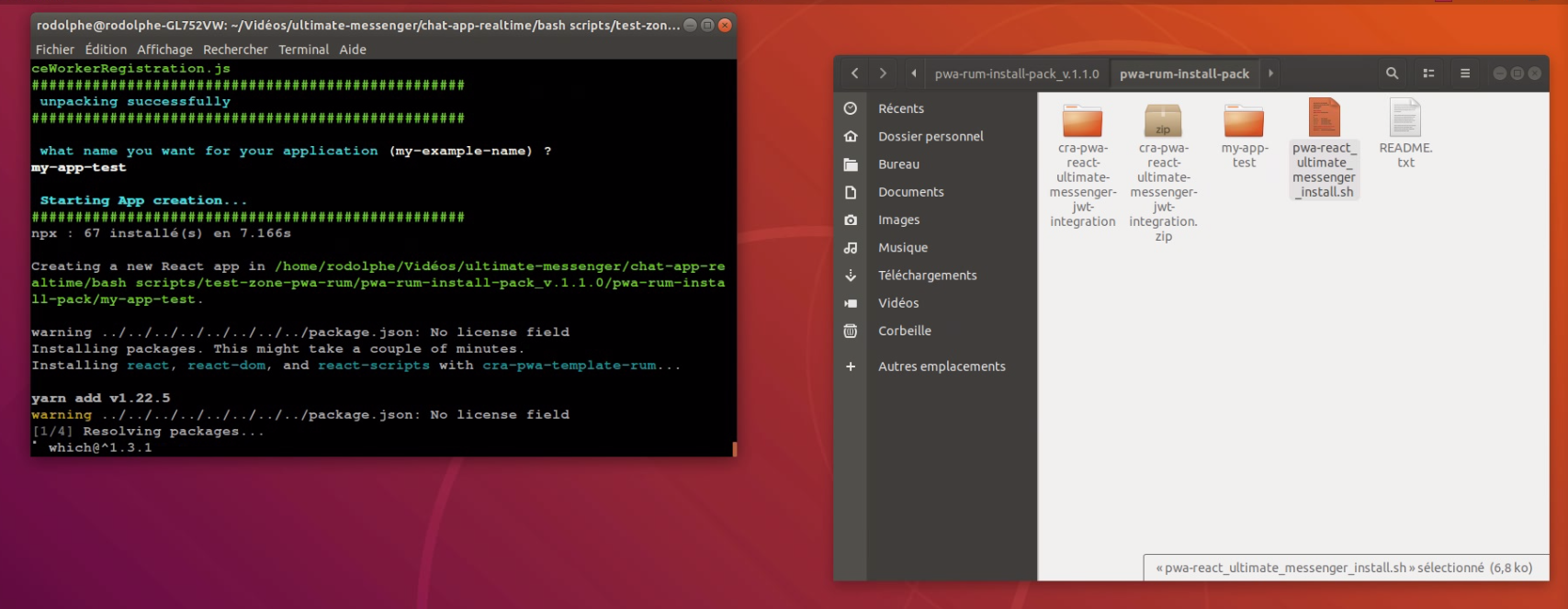
Once the creation/installation is done, the temporary folder unzipped at the beginning of the script execution is deleted because it is no longer needed.
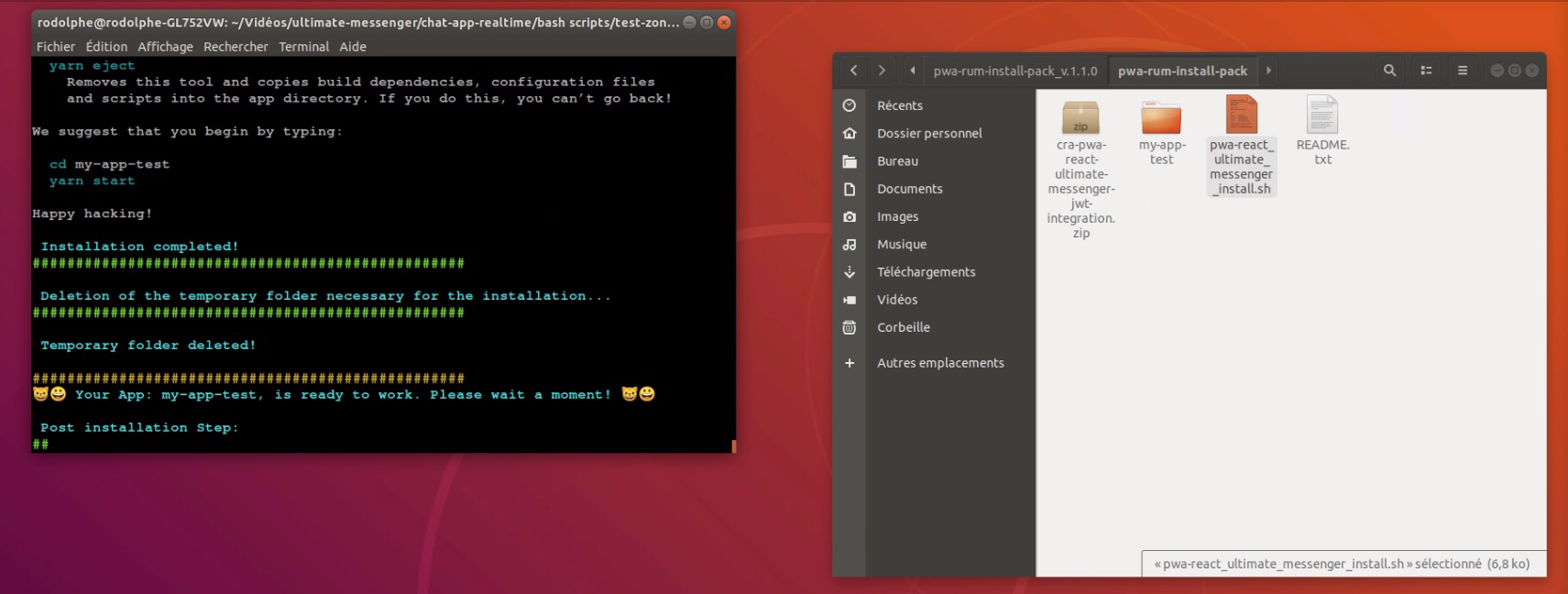
This is the configuration and post-installation step now.