How to configure weather widget?
The configuration is fast and easy!
Environment variables#
you have two environment variables in .env.local file
The first environement variable#
is the url API (no need to do anything for it to work):
REACT_APP_WEATHER_API_URL="https://api.openweathermap.org/data/2.5/weather"
The second environment variable#
is the API key for the weather service ( need to put your API key for it to work)
You need to visit Openweathermap.org
If you dont have account, create him
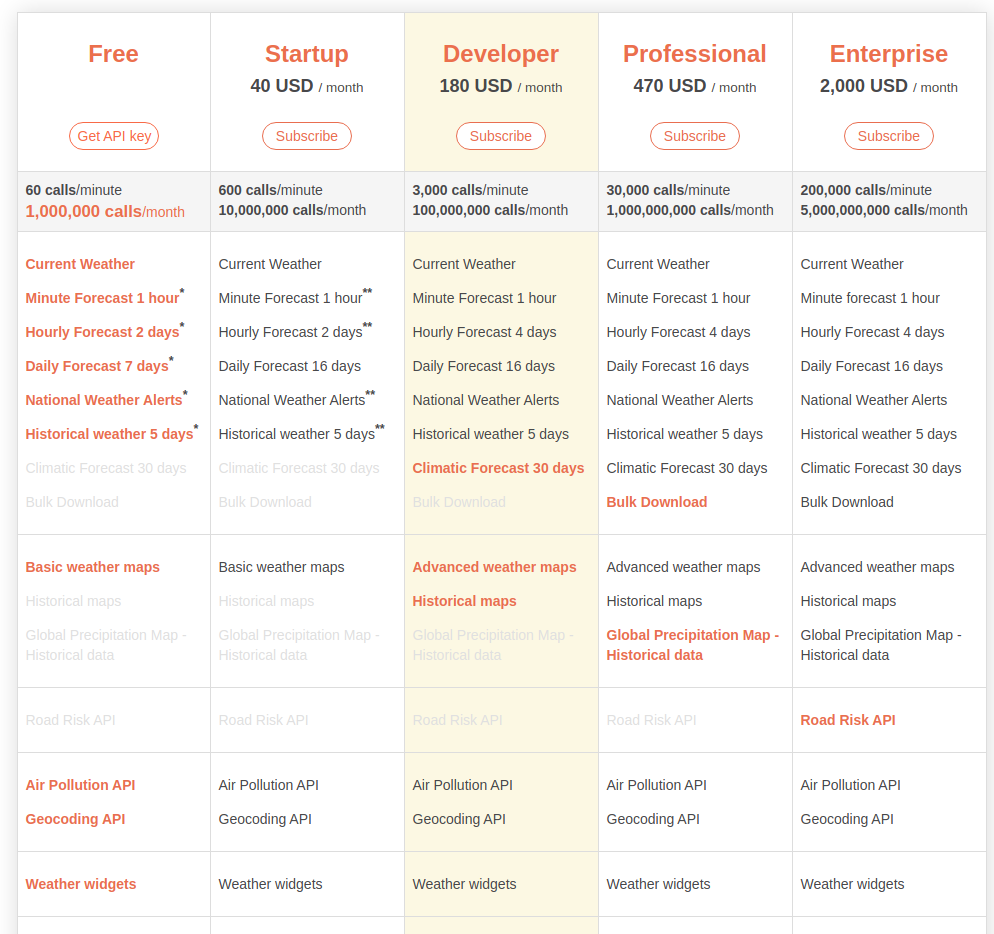
Choose "free", click on the "get API key" button.#
The Free plan have 60 calls/minute & 1.000.000 calls/mounth limit. (Largely sufficient for the use of the widget)
Once your account is created, or if you already have an account:
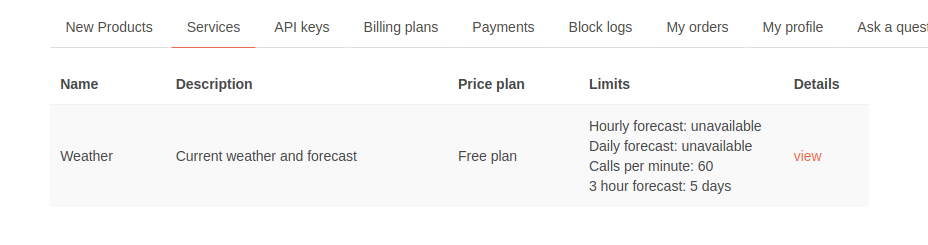
In the services section, you have the free service you have chosen.
In the API keys section:#
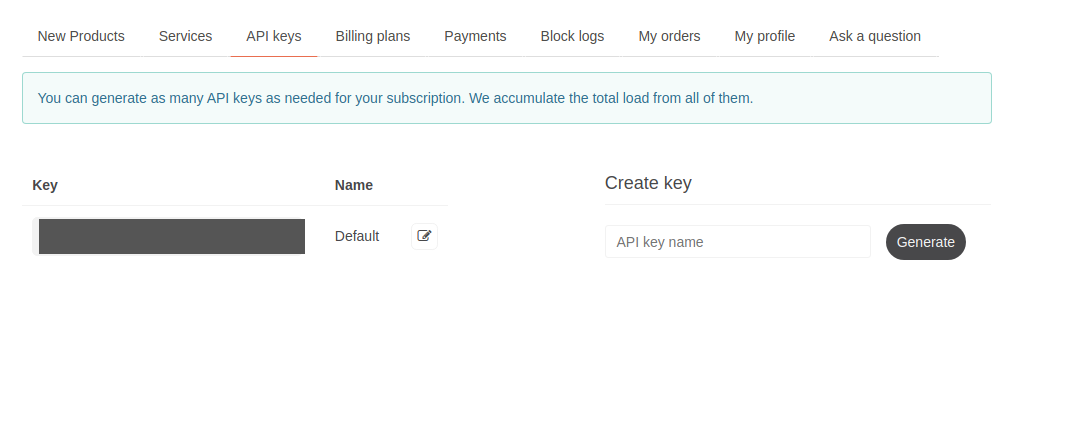
You can create you api key here, enter an name & click on generate.
In your .env.local file#
REACT_APP_WEATHER_API_KEY="YOUR API KEY HERE"copy your Openweathermap API key here, save and load or reload the App.
Time to test#
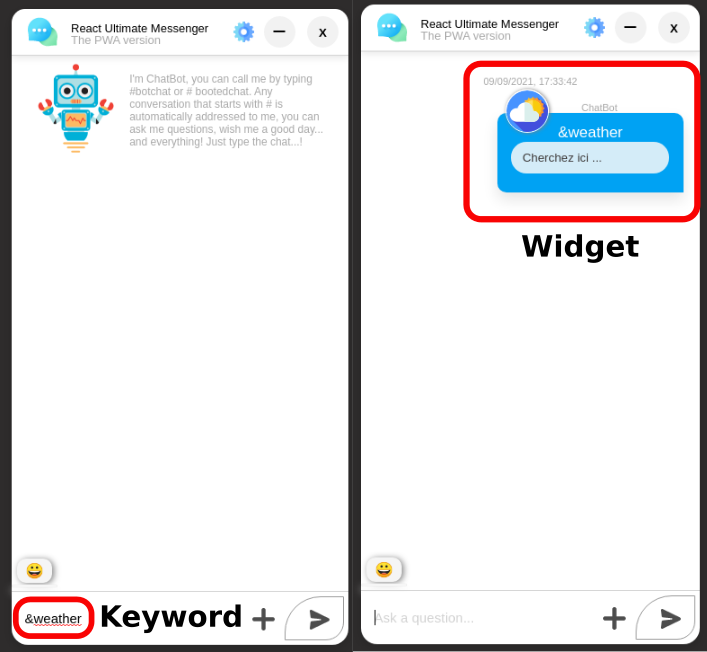
You have two keyword for calling the service:
(&météo) - (&weather)
Calling widget#
When you send the keyword, the widget appear
City request - widget in action#
You can make almost any city as request - for this example i put "New York".
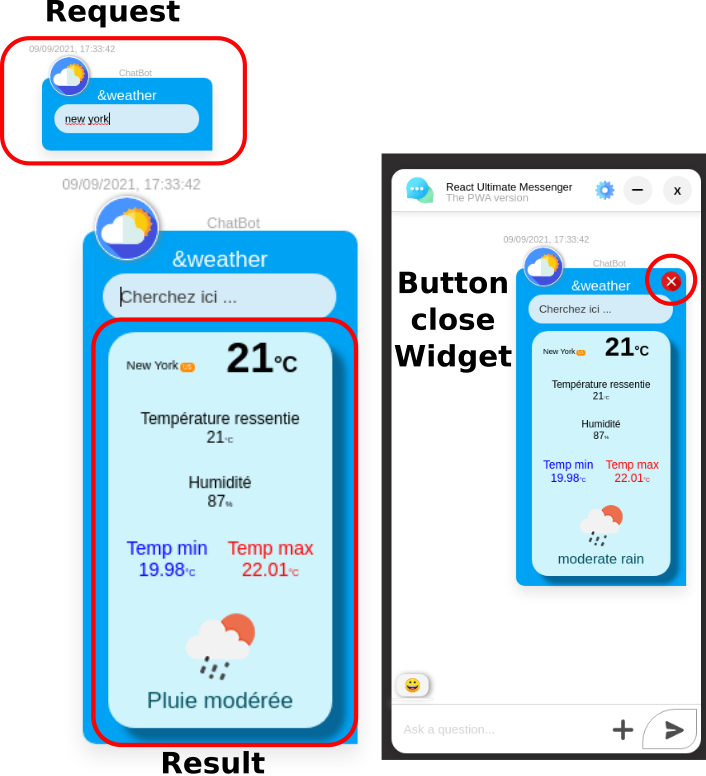
As you can see, the time is not famous in New York at this time.
Seriously.. lol, of course, you have an close button for delete the bubble widget after use
And that's all, easy no?